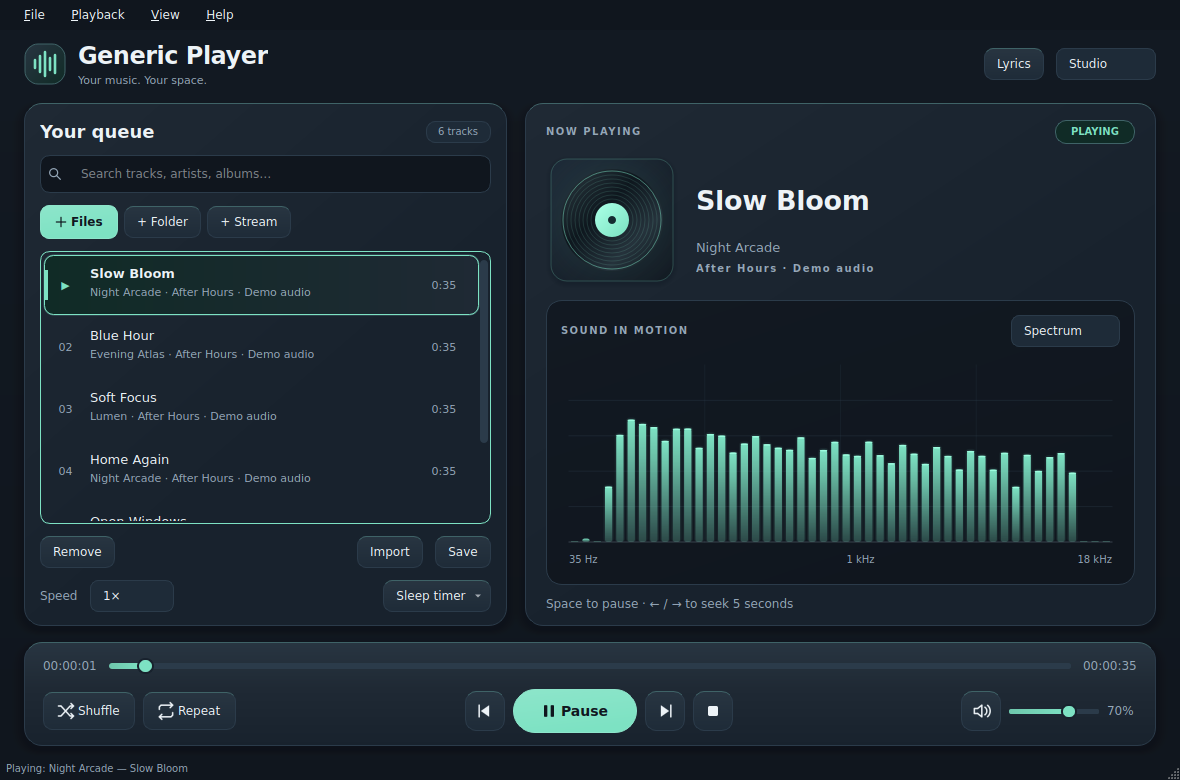
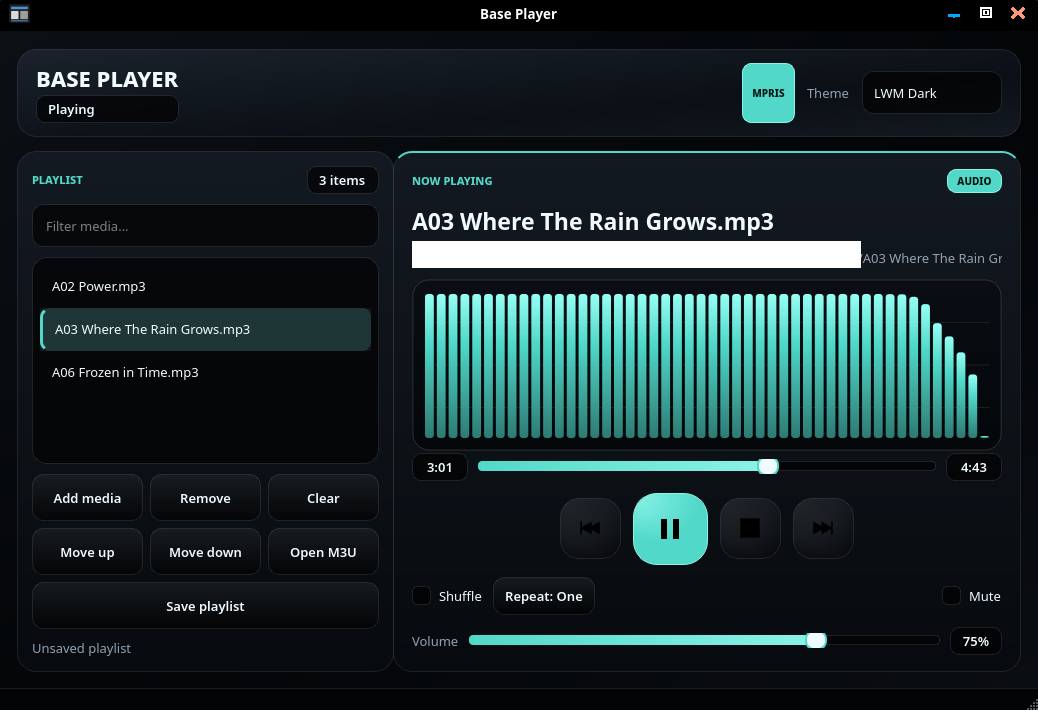
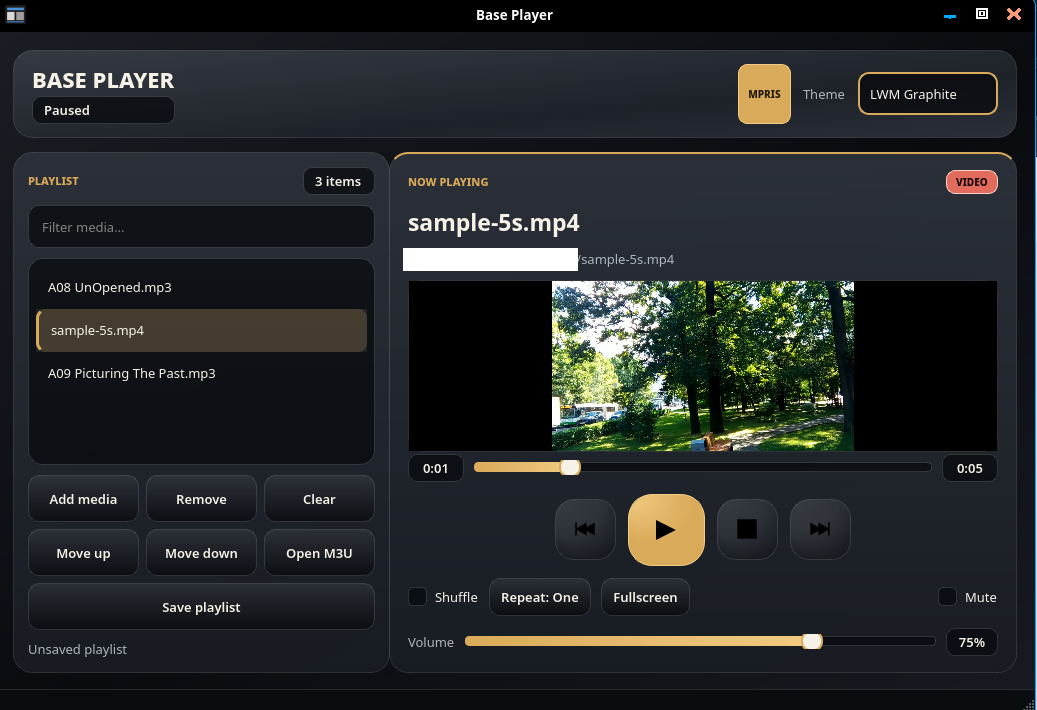
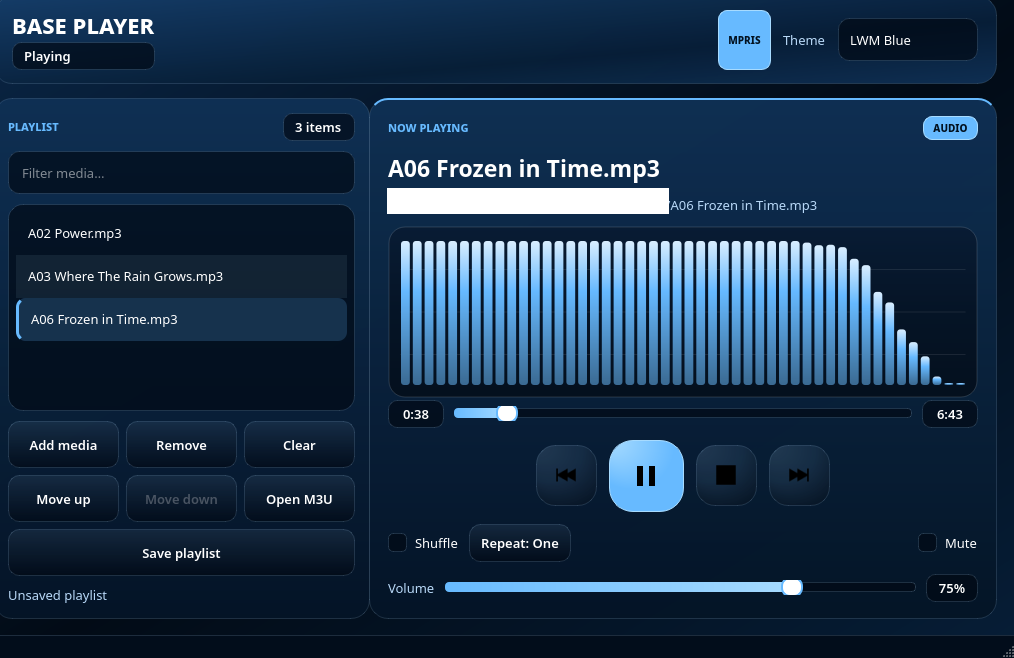
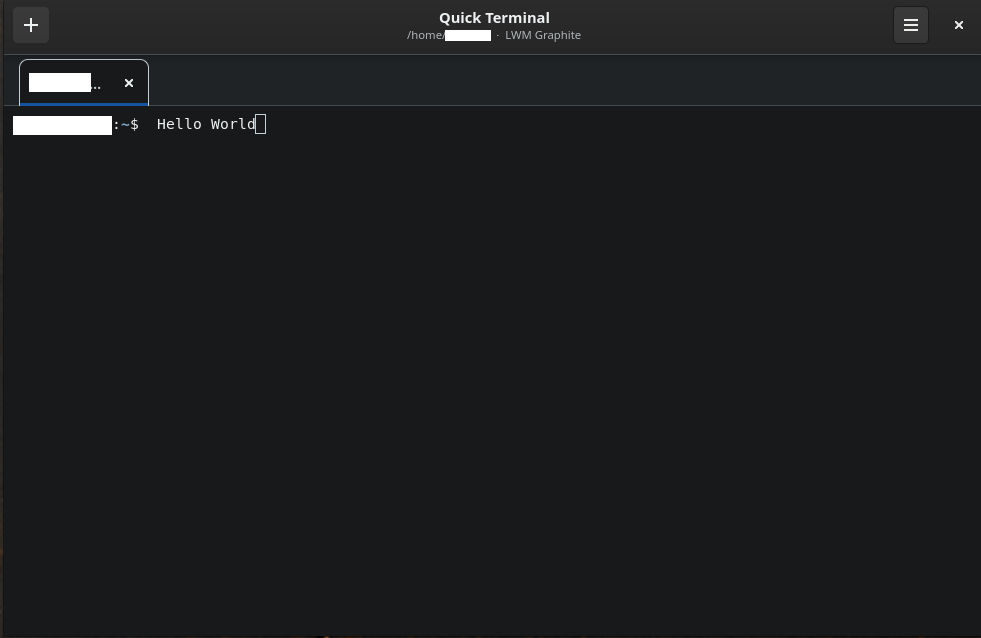
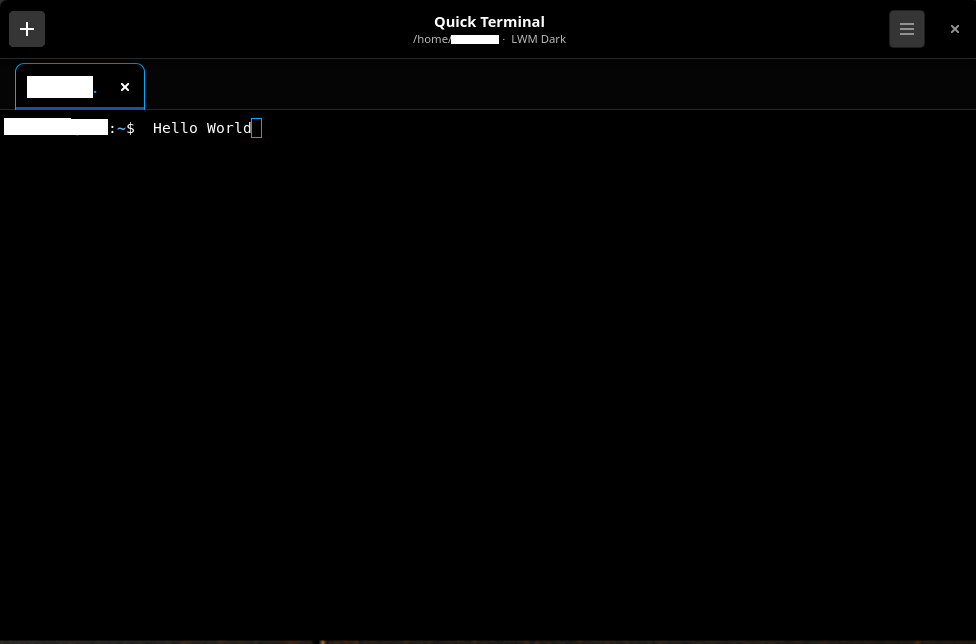
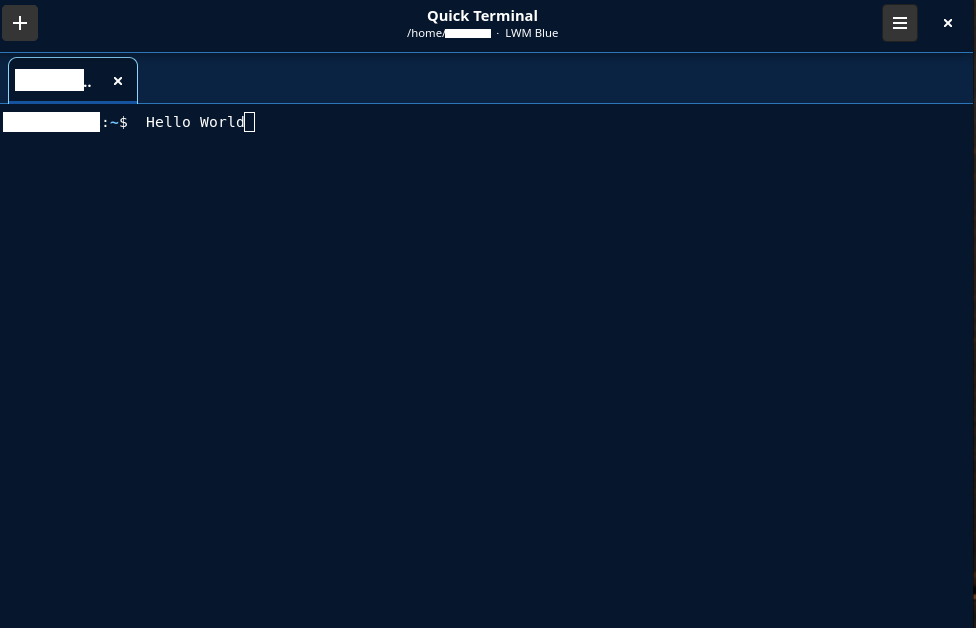
I have started to migrate projects to PyQT6. In practice, this means that both PyQT6 and PyQT5 are supported by the same code. It all depends on what the user has installed. Projects also receive updates and UI changes during transitions.
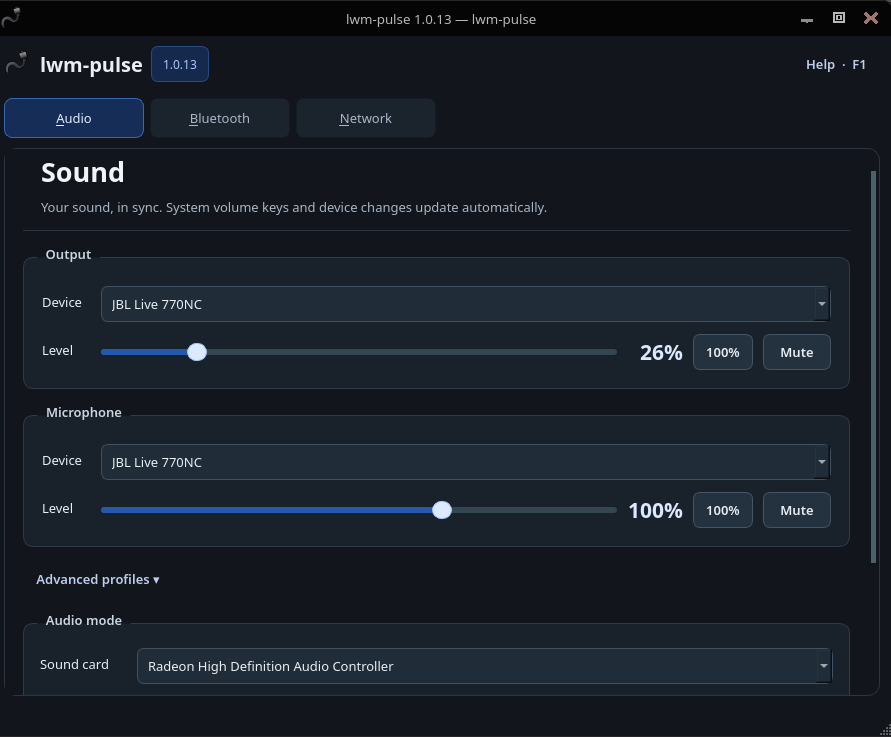
Audio, Bluetooth, Ethernet and personal Wi-Fi in one Linux desktop panel.
lwm-pulse brings everyday device controls together without running the desktop interface as root. Adjust sound, pair and connect Bluetooth devices, and manage standalone iwd networking from one place. Automatic connections prefer working Ethernet, then visible Wi-Fi with a saved password; a manual Wi-Fi choice is respected for the rest of the panel session.
Wi-Fi support: only WPA2-Personal (PSK) and WPA3-Personal (SAE) networks are supported, including compatible WPA2/WPA3-Personal transition-mode networks. WPA2/WPA3-Enterprise (802.1X/EAP), open/Enhanced Open (OWE), WEP and legacy WPA-only networks are outside this release’s supported Wi-Fi configurations. This restriction concerns Wi-Fi, not the panel’s Ethernet support.
Password storage: GNOME Keyring for future logins; the Linux kernel user keyring for temporary in-memory retention; or Do not remember for no new retained copy. GNOME Keyring is the only supported persistent provider.
Release: September 12, 2026 · License: GPL-3.0-only (see LICENSE). Author and maintainer: JJ Posti — techtimejourney.net.
This is the first public release and may still contain errors. Review the installation and removal warnings before use. Report reproducible issues on the project’s GitHub issue tracker; feedback is welcome.
++Editor is a small traditional text editor written in C++ with Qt6. It has received feature upgrades and has theme support, memory fixes, code optimizations etc. Here are theme screenshots. Full code is on the project’s Github page: https://github.com/postman721/Editor